
ClawdMochi: TheTinyRobotThatTurnsaMicrocontrollerintoaDeskCompanion
A device does not need a powerful processor, a cloud connection, or a dedicated mobile application to feel interactive. Sometimes, an inexpensive microcontroller, a small screen, and a thoughtfully designed interface are enough.
1. One Small Board, Two Interfaces
A device does not need a powerful processor, a cloud connection, or a dedicated mobile application to feel interactive. Sometimes, an inexpensive microcontroller, a small screen, and a thoughtfully designed interface are enough.
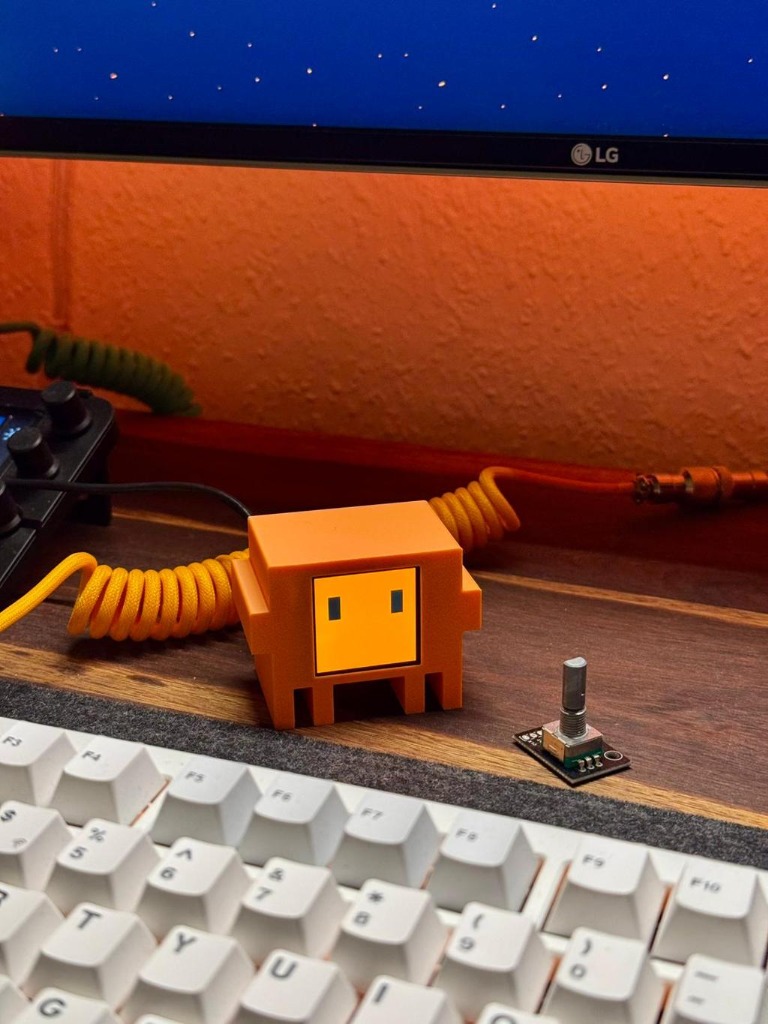
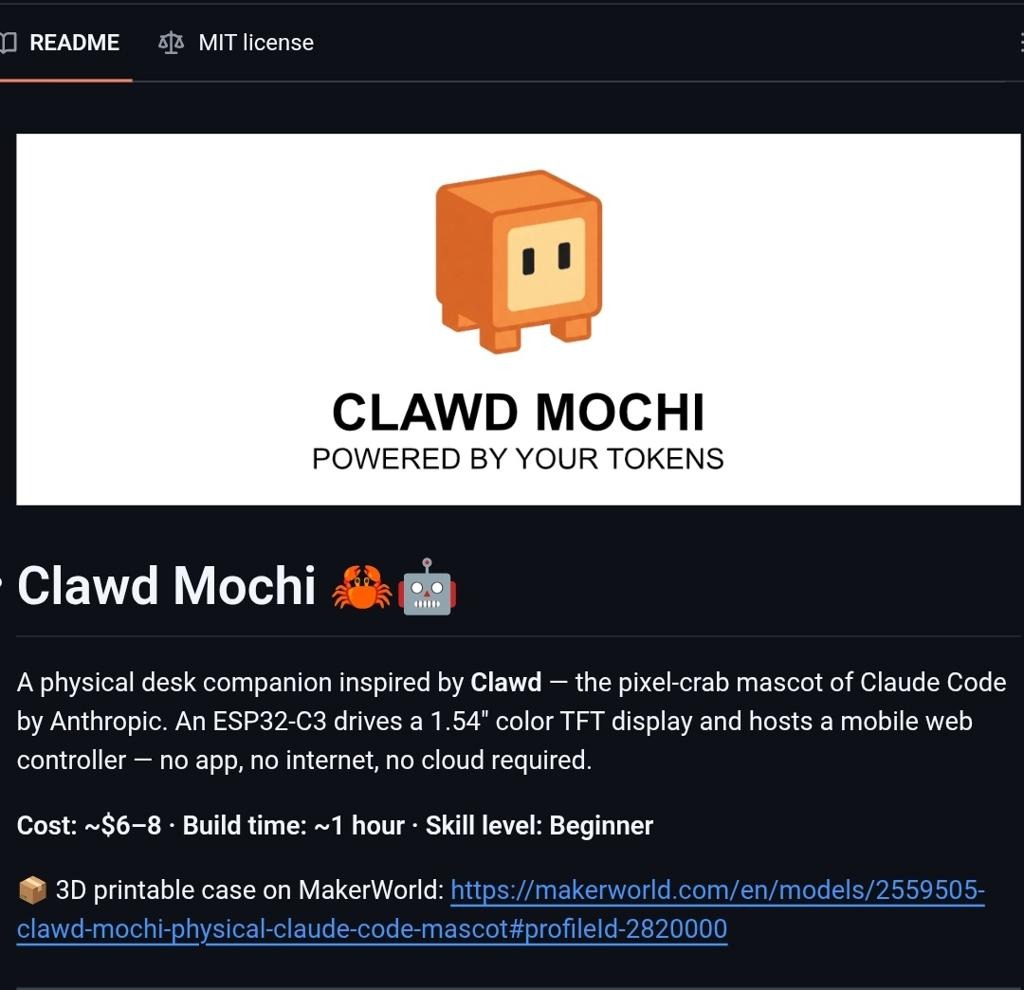
Clawd Mochi, an open-source desk companion created by Yousif Amanuel, explores this idea through a compact physical device inspired by Clawd, the pixel-crab mascot associated with Claude Code. It displays animated expressions, responds to browser controls, and offers a drawing canvas—all using an ESP32-C3 and a small colour display. The project is documented in its GitHub repository↗.
At the centre of Clawd Mochi is the ESP32-C3 Super Mini, a RISC-V microcontroller board with built-in 2.4GHz Wi-Fi and Bluetooth LE. It drives a 1.54-inch ST7789-based thin-film transistor (TFT) colour display with a resolution of 240 × 240 pixels. The enclosure is 3D-printed, bringing the electronics and display together in a compact physical form.
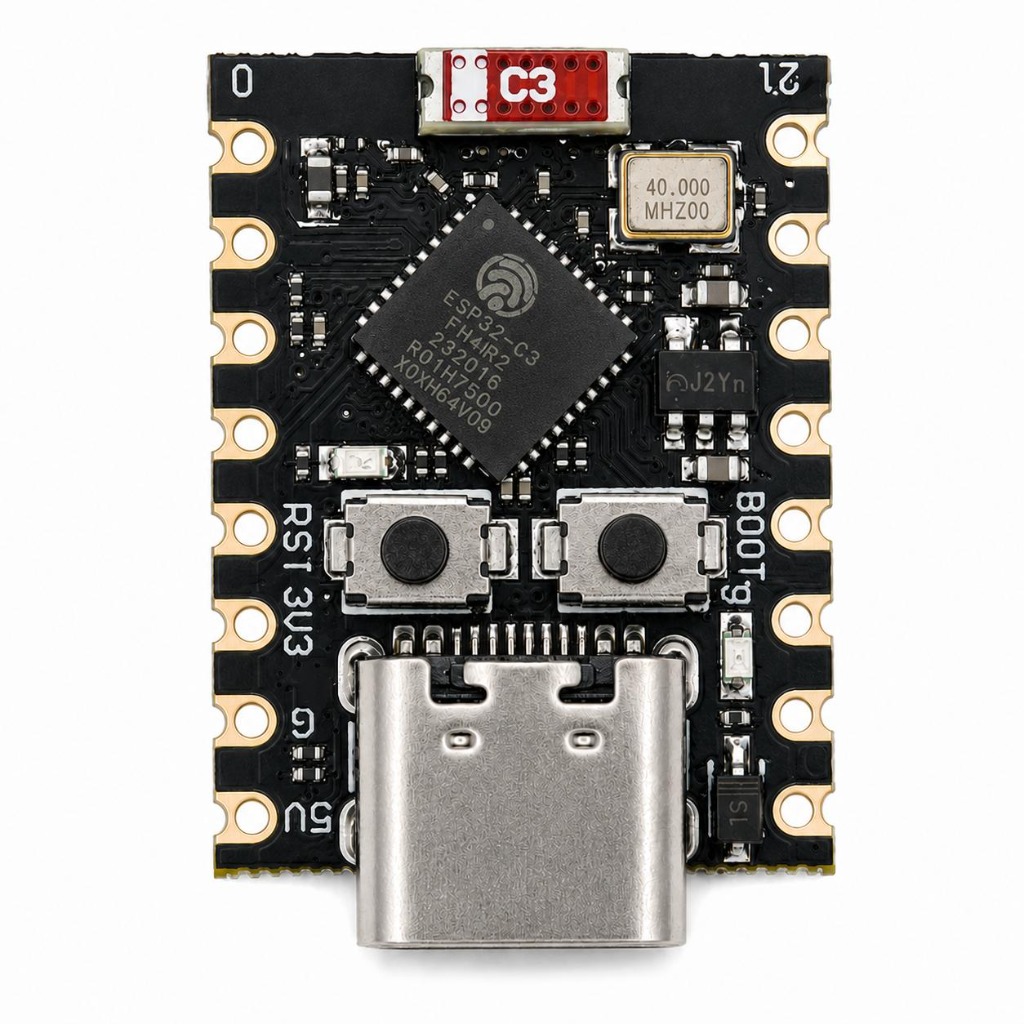
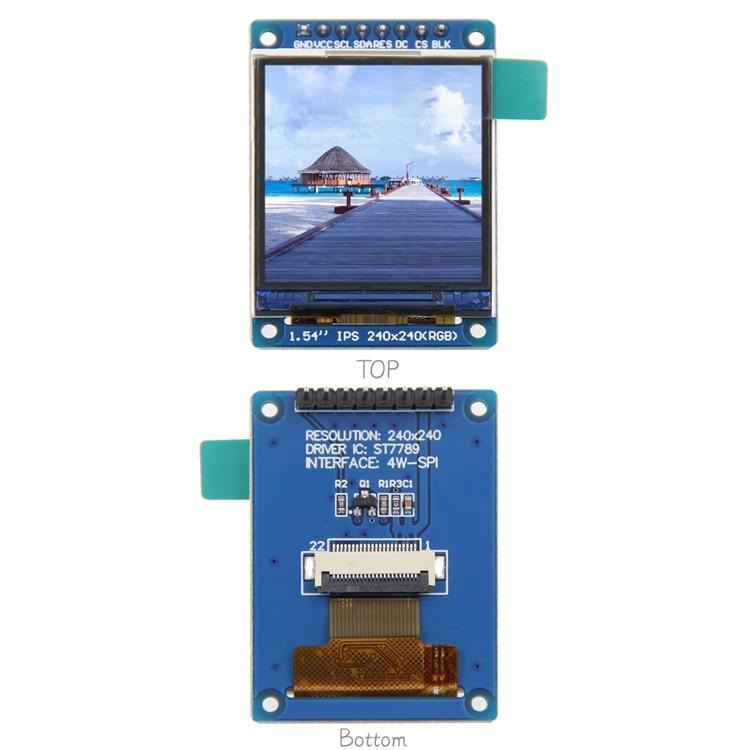
The crucial design decision is that the device handles both its visual output and its control interface simultaneously. There is no separate computer acting as a server and no cloud service required for the core interaction.
2. The Clever Part: The Robot Hosts Its Own Controller
Many connected gadgets rely on a mobile application or an external server. Clawd Mochi takes a different route: the ESP32-C3 creates a wireless network, serves a web page, and accepts commands directly from any web browser.
The interaction follows a straightforward, self-contained architecture:
The firmware uses Arduino-compatible C++, the standard WiFi and WebServer libraries, and the Adafruit GFX and ST7789 drivers. Its web interface is stored in flash memory as raw HTML, CSS, and client-side JavaScript.
This is a prime example of local-first computing: no cloud dependencies, zero external subscriptions, and full offline functionality. It reduces infrastructure requirements and makes the project ideal for classroom workshops, hackathons, and maker desks.
3. Why the Drawing Canvas Matters
Clawd Mochi goes beyond displaying a few predefined expressions. Its browser interface includes a canvas where users can sketch on the physical screen from a phone or laptop in real time, with controls for pen colour, background hue, animation speed, and backlight brightness.
The canvas turns the screen into a user-controlled output device. Pointer and touch gestures in the browser are translated into coordinate arrays and dispatched to the microcontroller over HTTP, where the graphics library blits pixels straight to the SPI frame.
This connects four core embedded disciplines:
4. Architectural Trade-offs & Engineering Lessons
The project README estimates a bill of materials of approximately US$6–8, using off-the-shelf development boards and a 3D-printed enclosure designed for rapid single-hour desktop printing on MakerWorld↗.
That low component count keeps maintenance minimal: the same chip acts as network gateway, web server, and display GPU. However, local-first hobbyist architectures also come with trade-offs. The open access point uses a static default password and unencrypted HTTP control. In educational or maker environments, this is wonderfully accessible; in production IoT products, engineers must add TLS encryption, token authentication, and rate limiting.
Clawd Mochi is valuable for engineering students because it connects concepts often taught in isolation—SPI buses, GPIO multiplexing, embedded C++, HTTP server threads, and web frontends—into a cohesive, delightful physical companion.
Project attribution: Clawd Mochi is an independent open-source project created by Yousif Amanuel under the MIT License, inspired by Anthropic's Clawd mascot.
Hardware Architecture & Specifications
The hardware composition of Clawd Mochi maximizes accessibility by pairing an ultra-compact RISC-V SoC with a vibrant IPS panel.
| Component | Subsystem Role | Specification | Verification |
|---|---|---|---|
| ESP32-C3 Super Mini Board | Central Processing, Wi-Fi AP & Web Server | Single-core 32-bit RISC-V @ 160MHz, 2.4GHz Wi-Fi + BLE 5.0, 4MB Flash | ✓ Verified |
| ST7789 1.54" IPS Colour TFT | Visual Graphics & Drawing Surface | 240 × 240 RGB resolution, 4-wire SPI interface, wide viewing angle | ✓ Verified |
| 3D-Printed Snap-Fit Enclosure | Desktop Mechanical Shell | Dual-part PLA housing inspired by Clawd pixel-crab form factor (~1 hr print) | ✓ Verified |
| USB-C 5V Power Interface | Bus Power & Firmware Flashing | 5V input @ ~120mA peak consumption with full display backlight active | ✓ Verified |
| Internal Wiring Harness | SPI & Power Connections | Short jumper links mapping SCK, MOSI, CS, DC, RST, and BLK backlight pins | ✓ Verified |
Firmware Structure & Web Controller Files
The single-sketch firmware architecture packs web assets, font tables, and SPI display drivers into flash memory.
| Path / Module | Documented Purpose | Status |
|---|---|---|
| clawd_mochi.ino | Main Arduino sketch combining SPI display drivers, Wi-Fi AP setup, and web endpoints | ✓ Inspected |
| pics/ | Hardware wiring diagrams, breadboard hookup photographs, and UI screenshots | ✓ Inspected |
| MakerWorld 3D Model | Print-ready STL and 3MF files for the snap-fit desktop enclosure | ✓ Inspected |
Power Requirements & Network Safety
Operational guidelines for 5V USB-C power delivery, display backlight current limits, and Wi-Fi credential security.
Operational Safety Notice
When connecting the ST7789 display, verify that power pins (VCC/GND) are not reversed before applying 5V USB power. To avoid screen ghosting or thermal stress, adjust backlight brightness in firmware when running continuous animations.
Official Repositories & 3D Print Files
Access the official source code, schematic references, and MakerWorld enclosure models below.
Build Real Aerospace & Autonomous Robotics Hardware
At MedhaArc Labs, we transition students and engineering learners from passive tutorials to physical engineering. Explore our hands-on drone flight controller kits, 6-DOF robotic arm testbenches, and institutional STEAM curriculum.